Features
History Mode
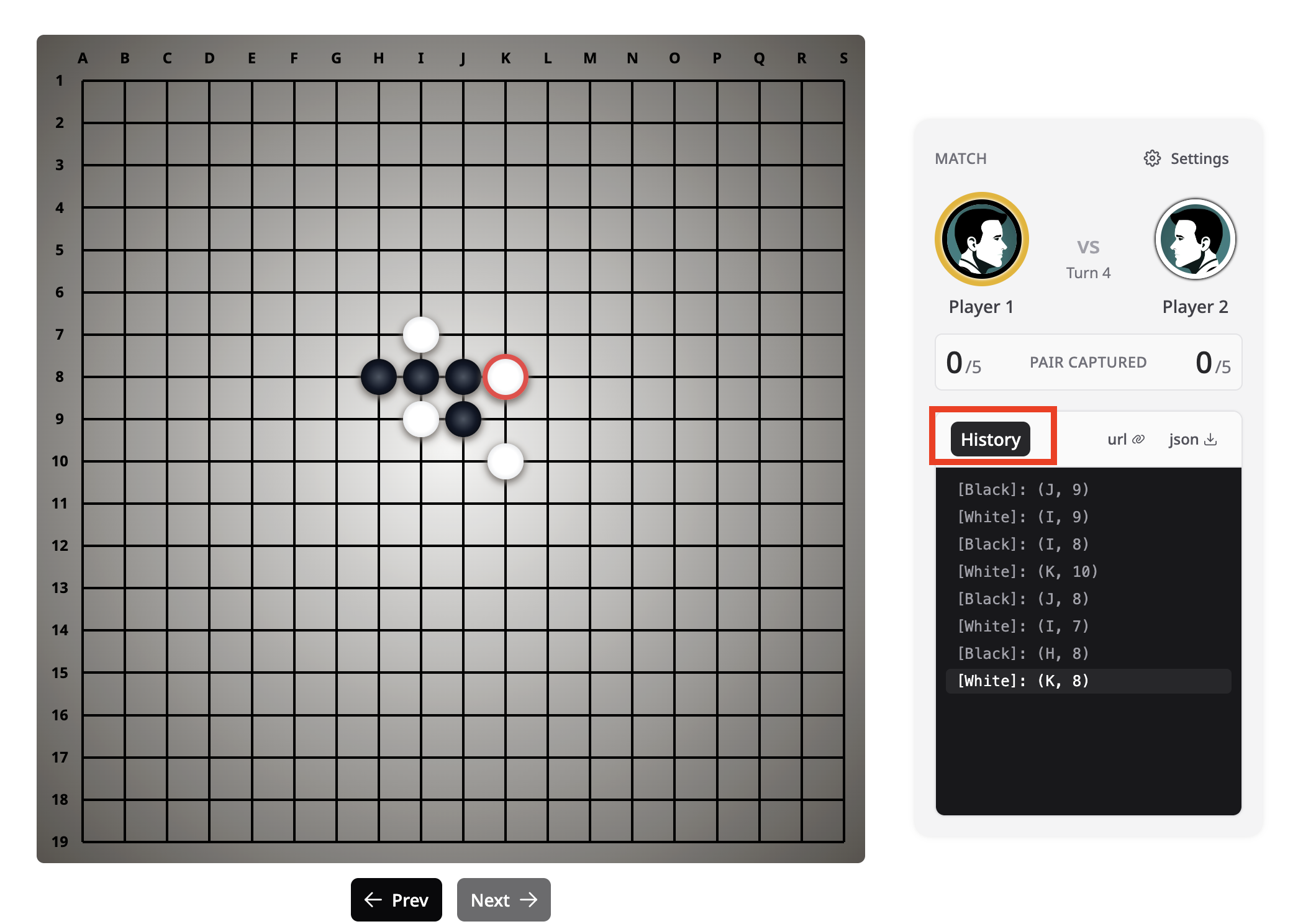
Navigate through previous moves without affecting the current game state. Toggle history mode via the Game history button in the sidebar, then use Prev / Next to step through the move sequence.
Undo Turn / Undo Move
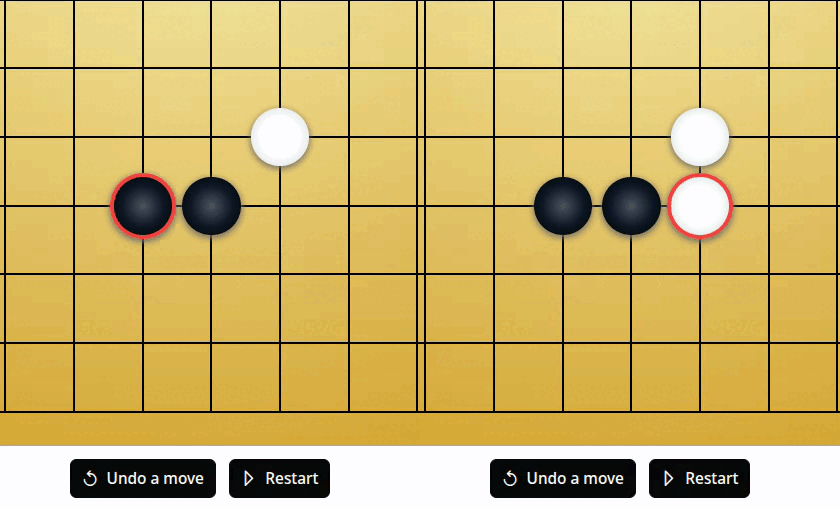
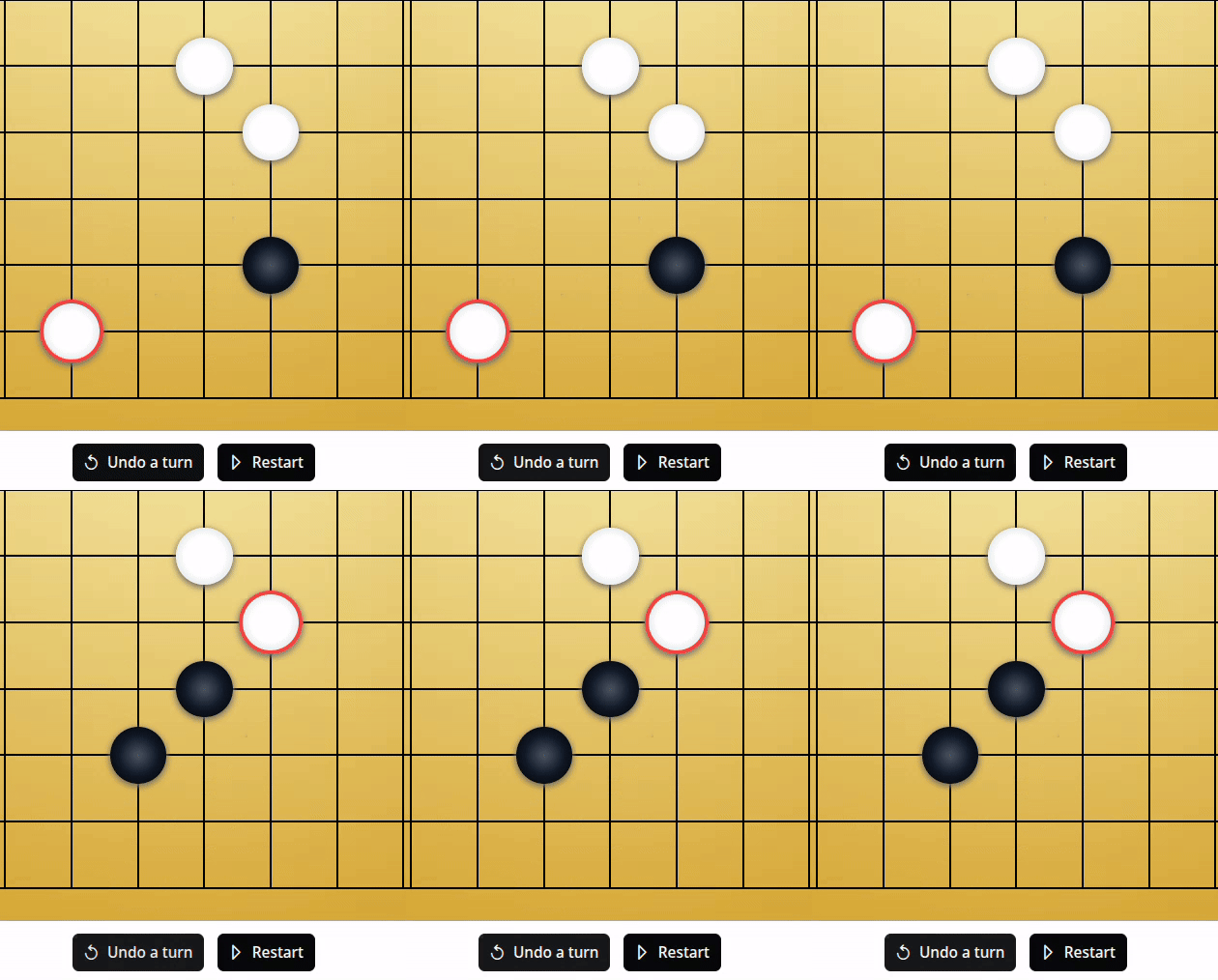
Use the undo button to revert recent actions. The behavior adapts to the game mode:
| Mode | Button label | Behavior |
|---|---|---|
| Player vs AI | Undo a turn | Rewinds both your last move and the AI's reply |
| Player vs Player | Undo a move | Rewinds only the most recent move |
Evaluation Tool (minimax mode only)
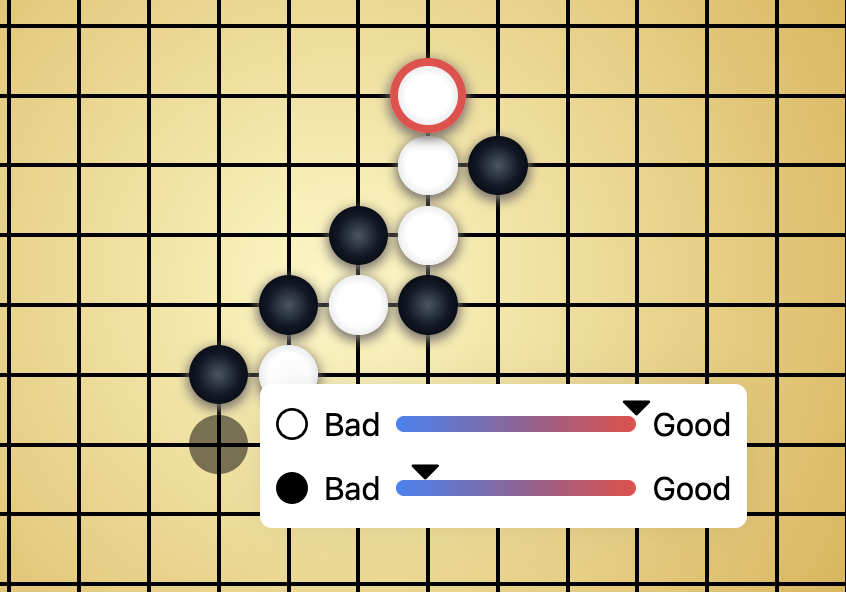
Right-click a board intersection to evaluate that position (desktop only; not available on touch/mobile). The minimax engine analyzes the position and shows which player would benefit more based on the current game state.
In alphazero mode, right-click evaluation is disabled. AlphaZero's evaluation uses only a single neural-network forward pass (the value head) without any MCTS search, whereas the AI's actual move selection runs hundreds of MCTS simulations. The raw value-head estimate is less reliable than the search-refined evaluation, and in testing the AI's optimal response consistently neutralized any advantage the evaluation predicted.
Export / Import
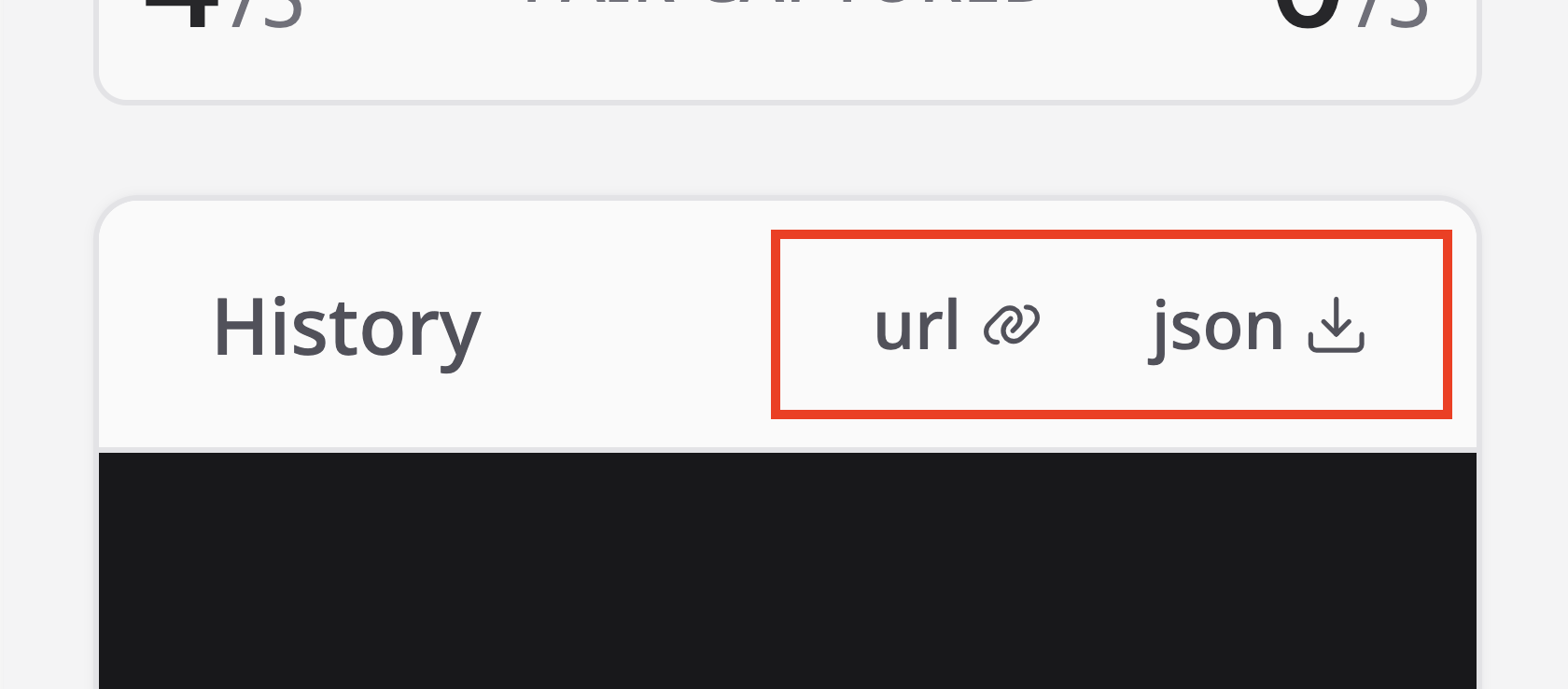
The sidebar provides two ways to save and share game state:
- URL — encodes the current board state as a base64 URL and copies it to the clipboard. Opening the URL in a browser restores the game state automatically.
- JSON — downloads the full game state (board, move history, settings) as a
.jsonfile.
The JSON format is shared across the application: exported files can be loaded into the debug page for inspection or used as test cases for AI regression testing.
AI Response Time
The sidebar tracks the average AI response time across all AI moves in the current session, displayed at the bottom of the game history panel. This is computed from the executionTime field returned with each AI move (see WebSocket JSON Protocol).